Shift work alarms—are you sure one device is enough?
Most office workers generally start work at similar times.
But shift workers are different.
You might work a Day shift today, an Evening shift tomorrow, and a Night shift the day after. Every time your shift changes, your preparation and alarm times change too.
Especially in professions like nursing, where the Shift Schedule changes every month, work alarms that match your Shift Schedule are important.
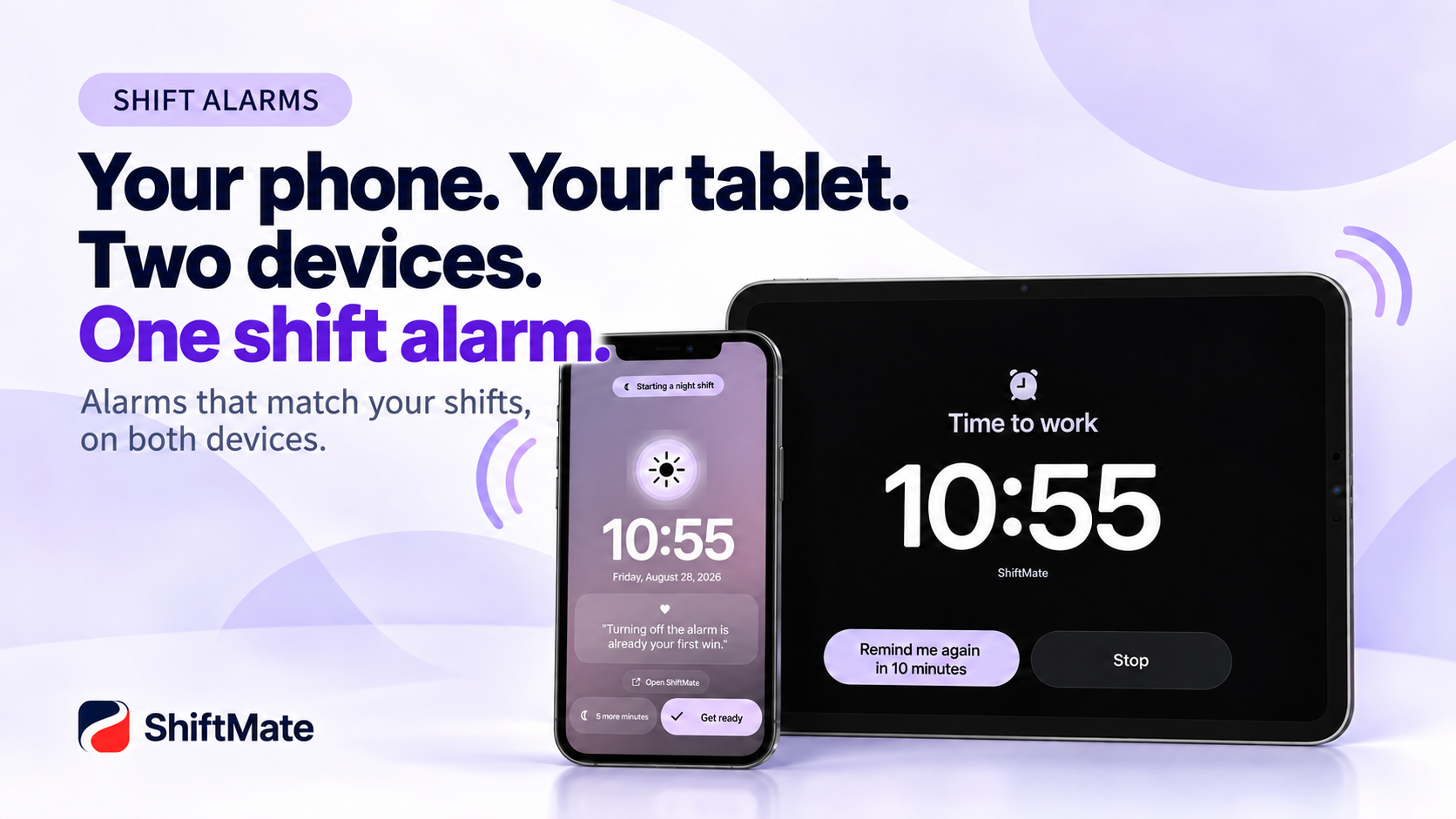
ShiftMate is designed with these shift work environments in mind and offers a dual-alarm feature that lets you use your smartphone and tablet together.
Why is alarm management difficult for shift workers?
Let’s use Day, Evening, and Night shifts as examples.
You can’t have your alarm go off at the same time on a Day shift day and a Night shift day.
Every time your shift changes,
“What time do I start work tomorrow?”
“Did I set the alarm correctly?”
you find yourself checking again.
Unexpected shift changes and personal plans can make alarm management even more complicated.
ShiftMate is a shift work calendar designed to manage schedules and notifications around your Shift Schedule.
Use your smartphone and tablet together
Many people use a tablet or iPad in addition to their smartphone.
You always carry your smartphone, but you may often use a tablet at home.
When using ShiftMate with your smartphone and tablet synced, you can use work alarms across multiple devices.
For example,
📱 check your work alarm while getting ready on your iPhone,
🖥️ and check work notifications from other areas of your home on your iPad.
Because you can check one shift on multiple devices, you can use it in a way that fits your shift work lifestyle.
These situations are especially useful
Morning Day shifts
Day shifts that require you to start work early.
If you’re worried about relying on just your phone alarm, you can also use the alarm on your synced tablet.
When work hours change frequently
When your schedule keeps changing, such as Day → Evening → OFF → Night, using the same alarm every day is difficult.
Managing your shift work calendar and work alarms together lets you check shifts and manage alarms in one place.
When using an iPhone and iPad together
If you mainly use an iPad at home and an iPhone when you go out, you can use both devices to manage your shift work schedule.
Alarms connected to your Shift Schedule—not just a simple alarm app
Your smartphone has a built-in alarm app.
But for shift workers, the problem isn’t simply “what time should I wake up?”
What matters is
what shift you have tomorrow → when you need to get ready → when you need a notification
managing all of this as one connected flow.
With ShiftMate, you can manage work alarms while checking your Shift Schedule, making schedule management more natural for shift workers.
Quick on your smartphone, spacious on your tablet
ShiftMate supports environments where you use multiple devices, as well as work alarms.
On your smartphone, quickly check today’s and your next shift,
and on your tablet, manage the entire month’s shifts, schedules, and notes on a larger screen.
You can also continue using the same shift schedule across multiple devices.
👉 [Learn more about ShiftMate, the tablet shift work calendar]
Make shift workers’ mornings a little easier
In shift work, your start time can change every day.
That’s why schedule management and work alarms are more convenient when managed together rather than separately.
ShiftMate is designed to manage work alarms along with your Shift Schedule, schedules, and notes.
One Shift Schedule.
Multiple screens.
And a work alarm when you need it.
ShiftMate – Nurse Shift Calendar
[View ShiftMate on the Apple App Store]
[View ShiftMate on Google Play Store]
Comments
Post a Comment