A shift work app, now on your tablet’s large screen
Do you check your shift schedule every day but mostly use only a small smartphone screen?
Smartphones are convenient to carry, but the screen can feel cramped when you want to view your entire monthly Shift Schedule, personal appointments, and notes at once.
ShiftMate supports more than smartphones so you can conveniently manage your shift schedule on large screens such as iPads and Android tablets.
Check quickly on your smartphone and manage everything at a glance on your tablet.
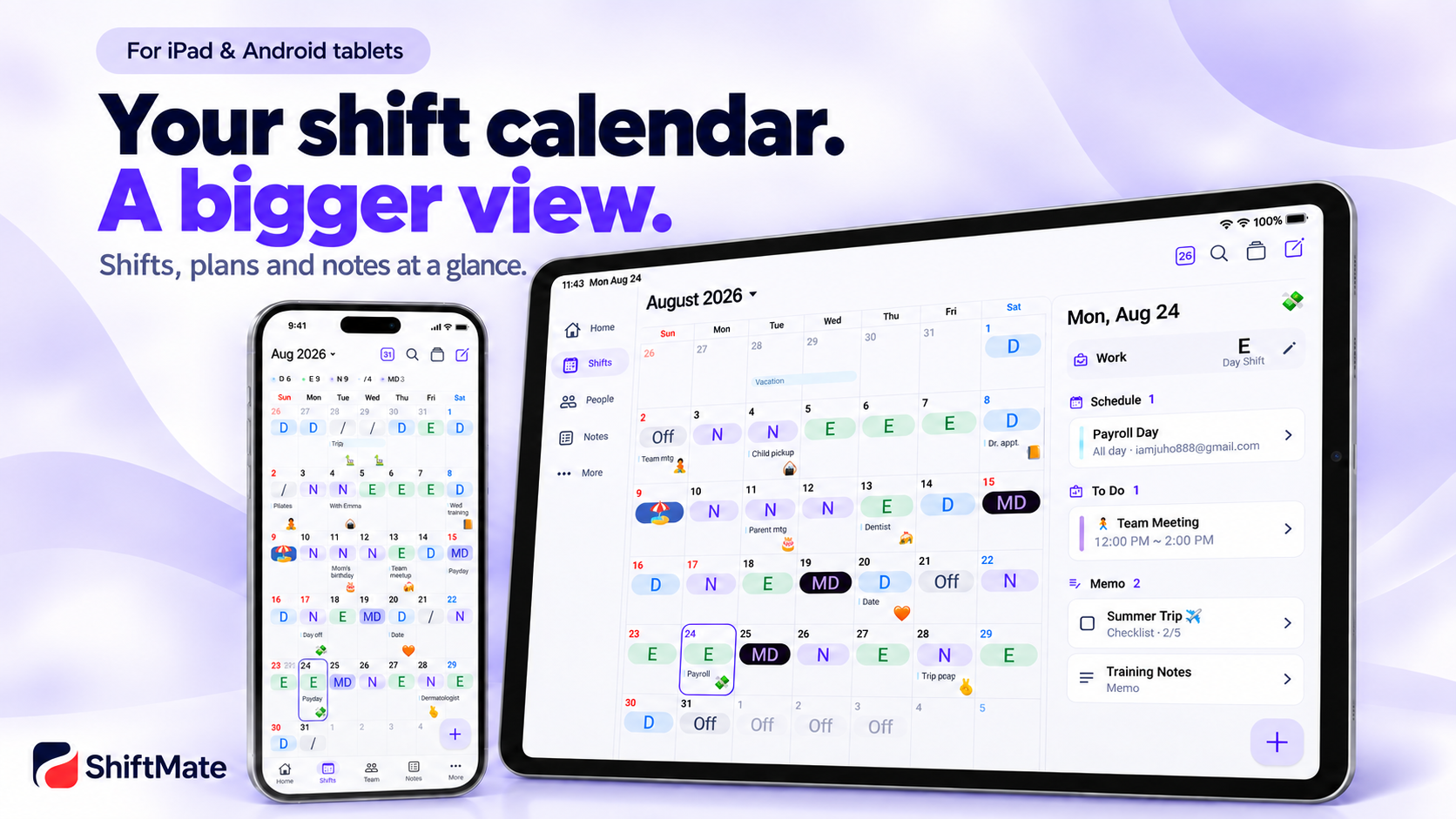
What changes when you view it on a tablet?
What matters in a shift work calendar is more than simply checking today’s Shift.
how many Night shifts you have this month,
when your next consecutive days off are,
whether your personal appointments overlap with your Shifts,
and which days require coordinating your schedule with coworkers.
A larger screen makes it much easier to check all this information.
With ShiftMate, on a tablet you can view
your monthly Shift schedule
personal appointments
notes
days off
upcoming Shifts
and more on a large screen.
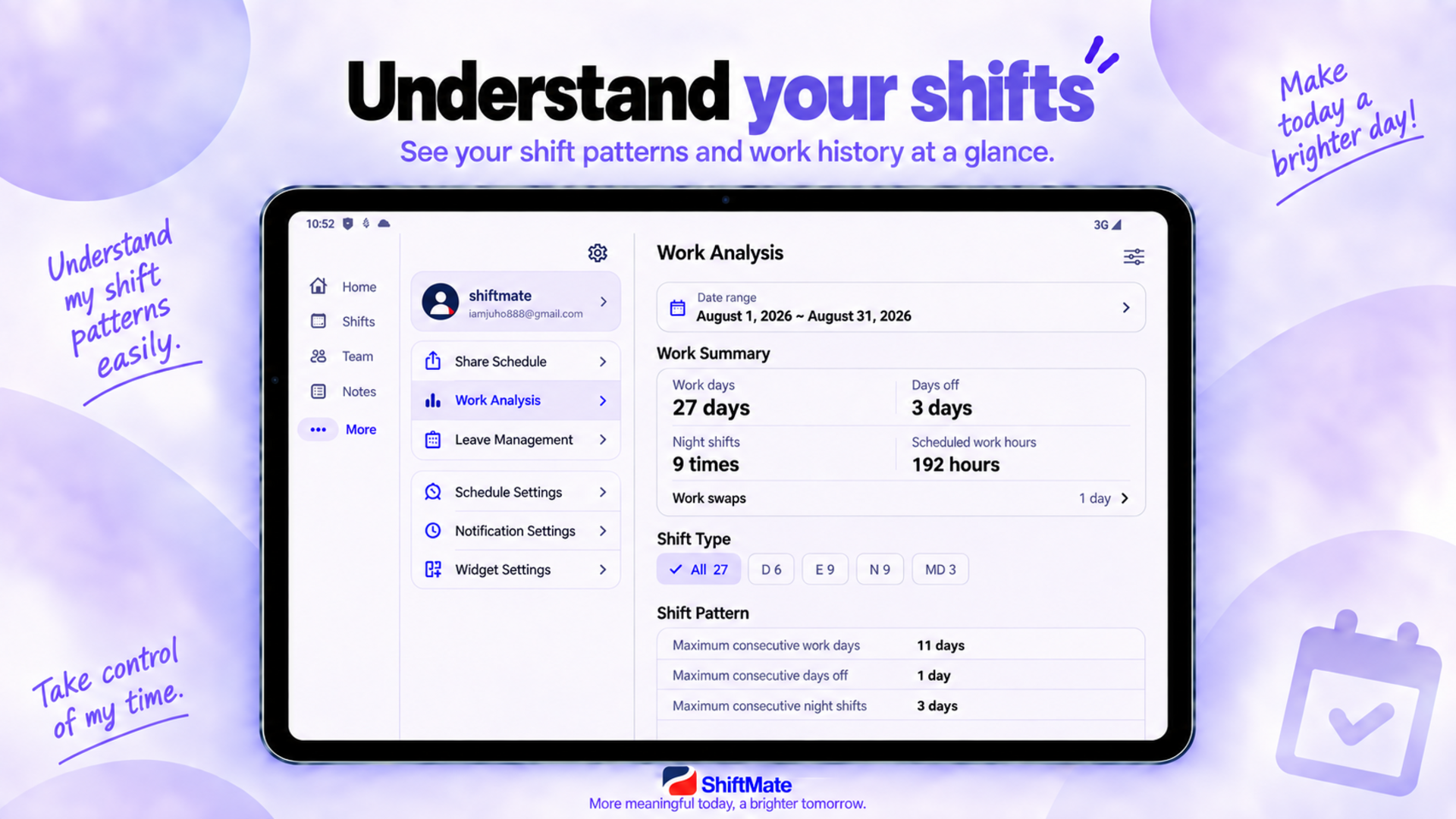
No need to manage your smartphone and tablet separately
Even if you can use it on a tablet, it is inconvenient if your data is separate from your smartphone.
When using a smartphone and tablet together with ShiftMate, you can sync your Shift and schedule data and continue using them seamlessly.
Check today’s Shift on your smartphone on your way to work,
then organize your entire schedule for next month on your tablet at home.
Rather than a Shift Schedule limited to one device, our goal is a shift work calendar that carries across multiple screens.
Smartphone for speed, tablet for space
Each device has different strengths.
Smartphone
Check today’s Shift before work
Check your next Shift while traveling
Enter a schedule quickly
Check your Work Alarm
Tablet
View the entire monthly Shift Schedule
Compare Shifts with personal appointments
Review notes and organize your schedule
Manage your entire schedule on a large screen
Instead of choosing between a smartphone and tablet, use both devices together depending on the situation.
iPad users can use it too
ShiftMate is available not only on Android tablets but also on iPads.
Especially when you use an iPhone and iPad together, you can continue viewing on your iPad the Shift schedule you managed on your iPhone.
If you want to manage your Shift Schedule, appointments, and notes on the iPad’s spacious screen, ShiftMate makes it even more convenient.
👉 [View the iPhone + iPad shift work app]
Work Alarms on multiple devices too
For shift workers, Work Alarms are just as important as the Shift Schedule.
That is because start times differ for Day, Evening, and Night Shifts.
With ShiftMate, you can also use Work Alarms on multiple devices when using a smartphone and tablet together.
Manage your Shift schedule and Work Alarms together while enjoying the advantages of both smartphones and tablets.
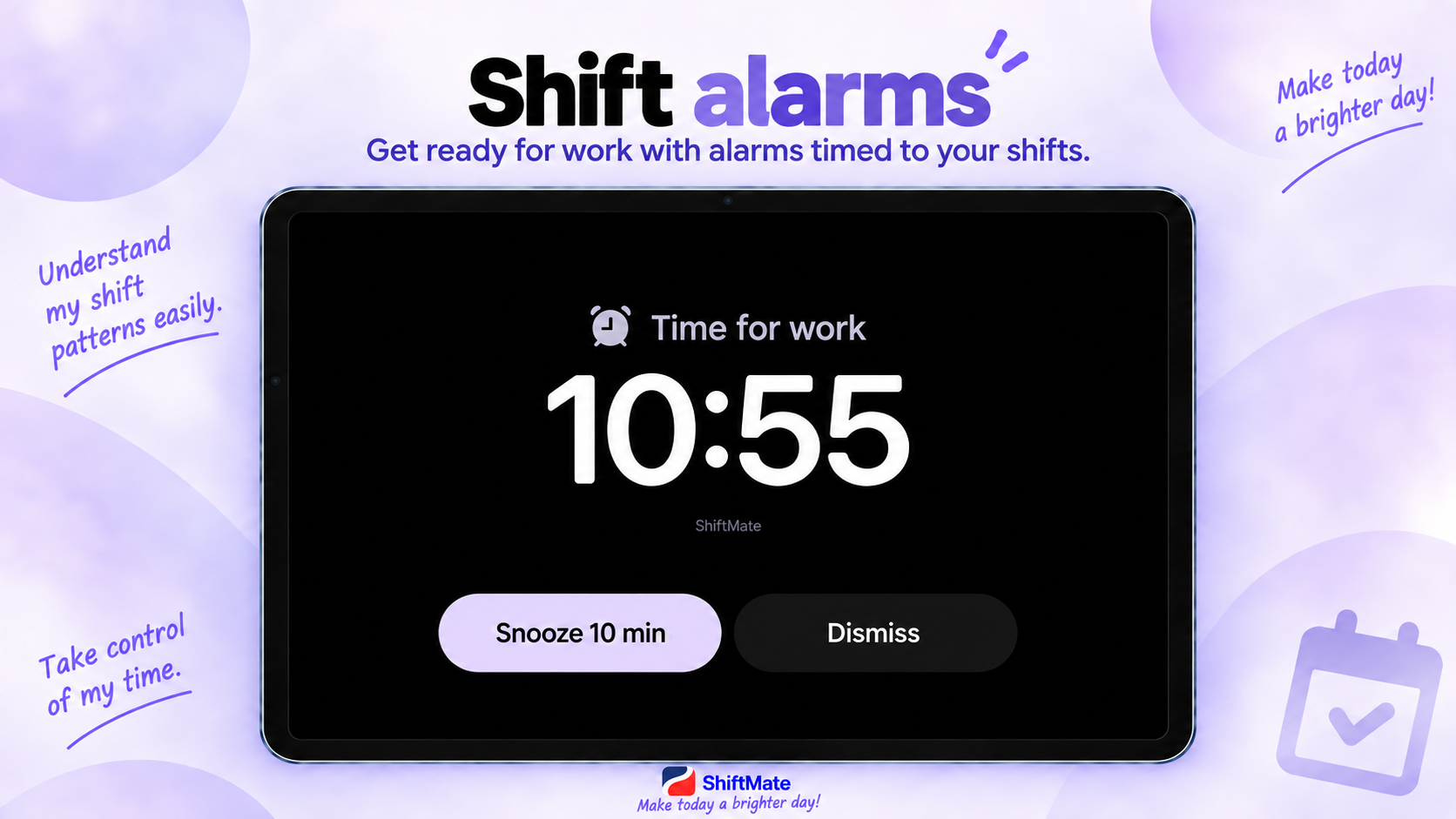
👉 [Learn more about ShiftMate dual alarms]
Shift workers who benefit especially from using a tablet
Try using ShiftMate on a tablet if any of the following apply to you.
You work in a profession such as nursing where the monthly Shift Schedule changes
You work a three-shift rotation: Day, Evening, and Night
You use both a smartphone and tablet
You want to see your entire month of Shifts at a glance
You manage your Shift Schedule and personal appointments together
For those who want to manage notes and schedules on a larger screen
It can be used by a wide range of shift workers, including hospital shift workers, police officers, firefighters, production workers, and security personnel—not just nurses.
Don't confine your shift-work calendar to one device
Our schedules aren't managed on just one smartphone.
We use a tablet at home, a smartphone on the go, and move between multiple devices depending on the situation.
Your shift-work calendar should fit this kind of usage environment too.
Fast on your smartphone.
Spacious on your tablet.
Shifts and schedules, all in one.
ShiftMate – Nurse Shift Calendar
View ShiftMate on the Apple App Store
View ShiftMate on Google Play Store
Comments
Post a Comment