You may check whether today is Day, Evening, or Night and see when your next day off is. Managing personal schedules and appointments too can feel cramped on a small smartphone screen.
ShiftMate now lets you conveniently check and manage your shift schedule on iPad as well as iPhone.
Check your schedule quickly on iPhone and manage it with more room on iPad.
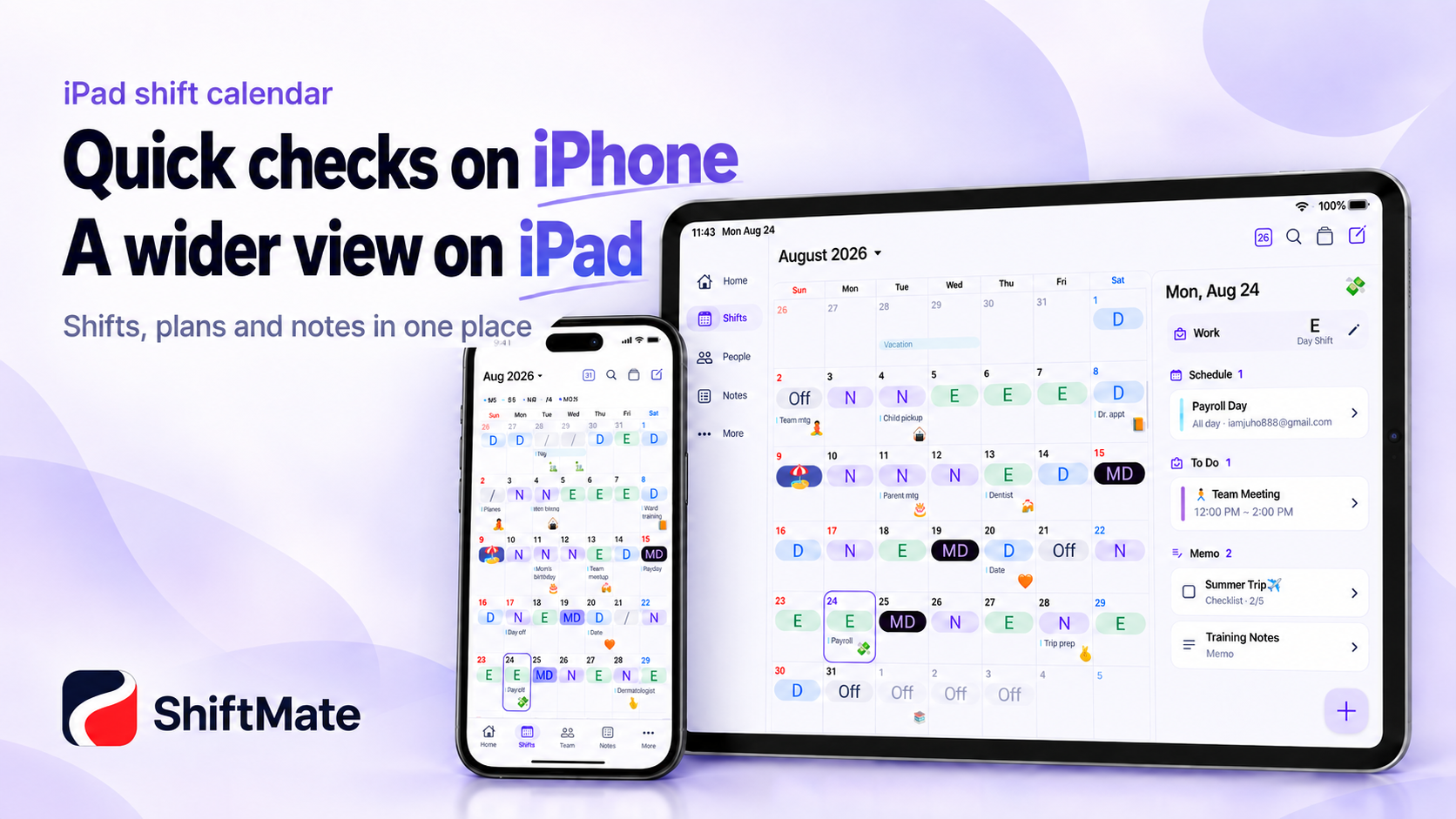
See your shift schedule at a glance on iPad’s spacious screen
Smartphones are convenient for quickly checking your shift while on the go.
But a larger screen is much more convenient for viewing the entire monthly shift schedule or checking personal events and notes together.
With ShiftMate, you can make use of iPad’s large screen to
view your shifts
personal events
coworkers’ shifts
notes
more comfortably.
At home or in a café, organize your full schedule on iPad, then quickly check today’s shift on iPhone on your way to work.
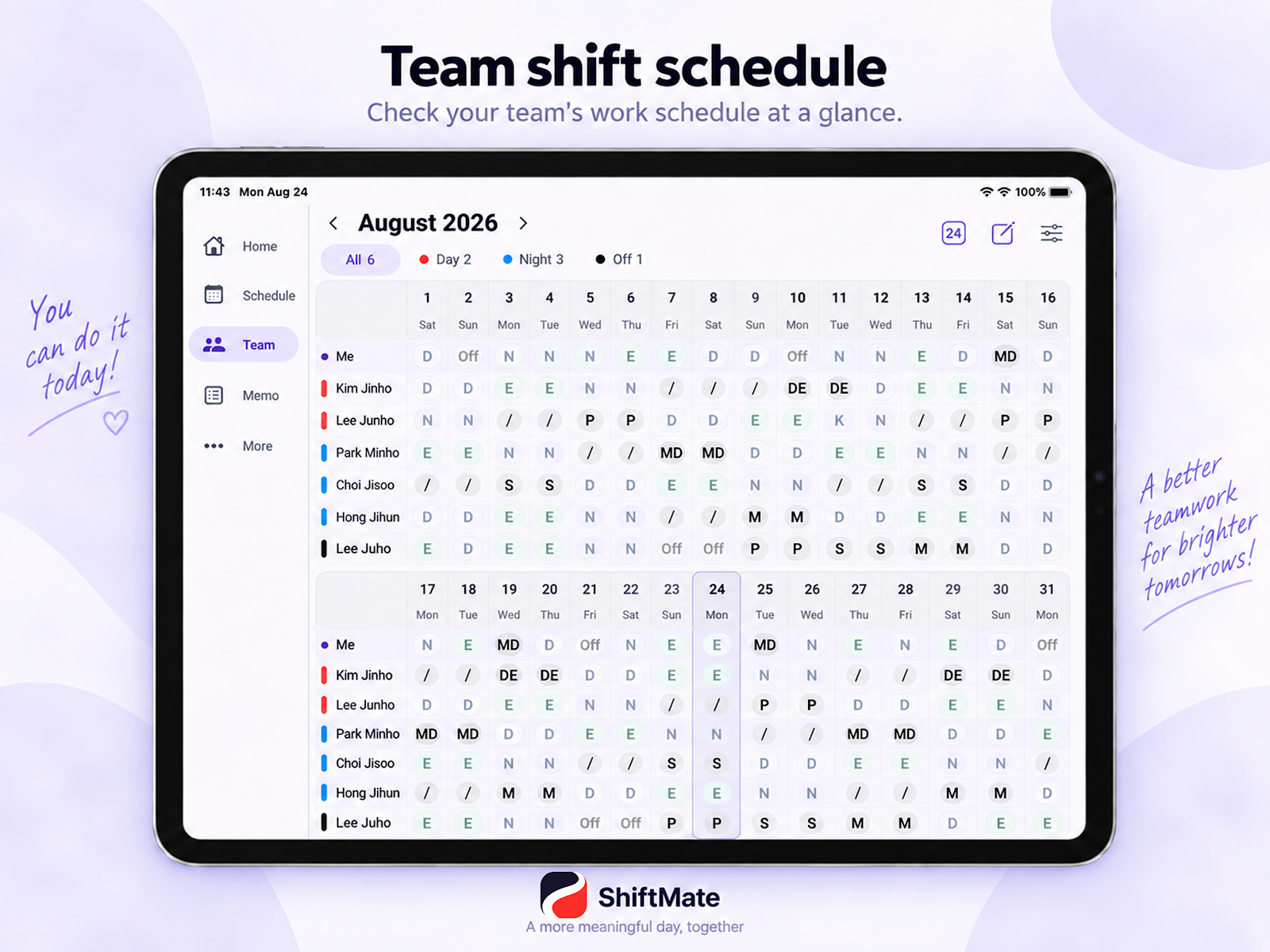
Enter shifts on iPhone and check them on iPad
There’s no need to manage separate shift schedules on iPhone and iPad.
When you sync ShiftMate, you can continue using the shift and schedule data managed on iPhone on iPad as well.
For example, if you enter next month’s shift schedule on iPhone, you can view the same schedule on iPad.
For shift workers using multiple Apple devices, schedule management becomes much simpler.
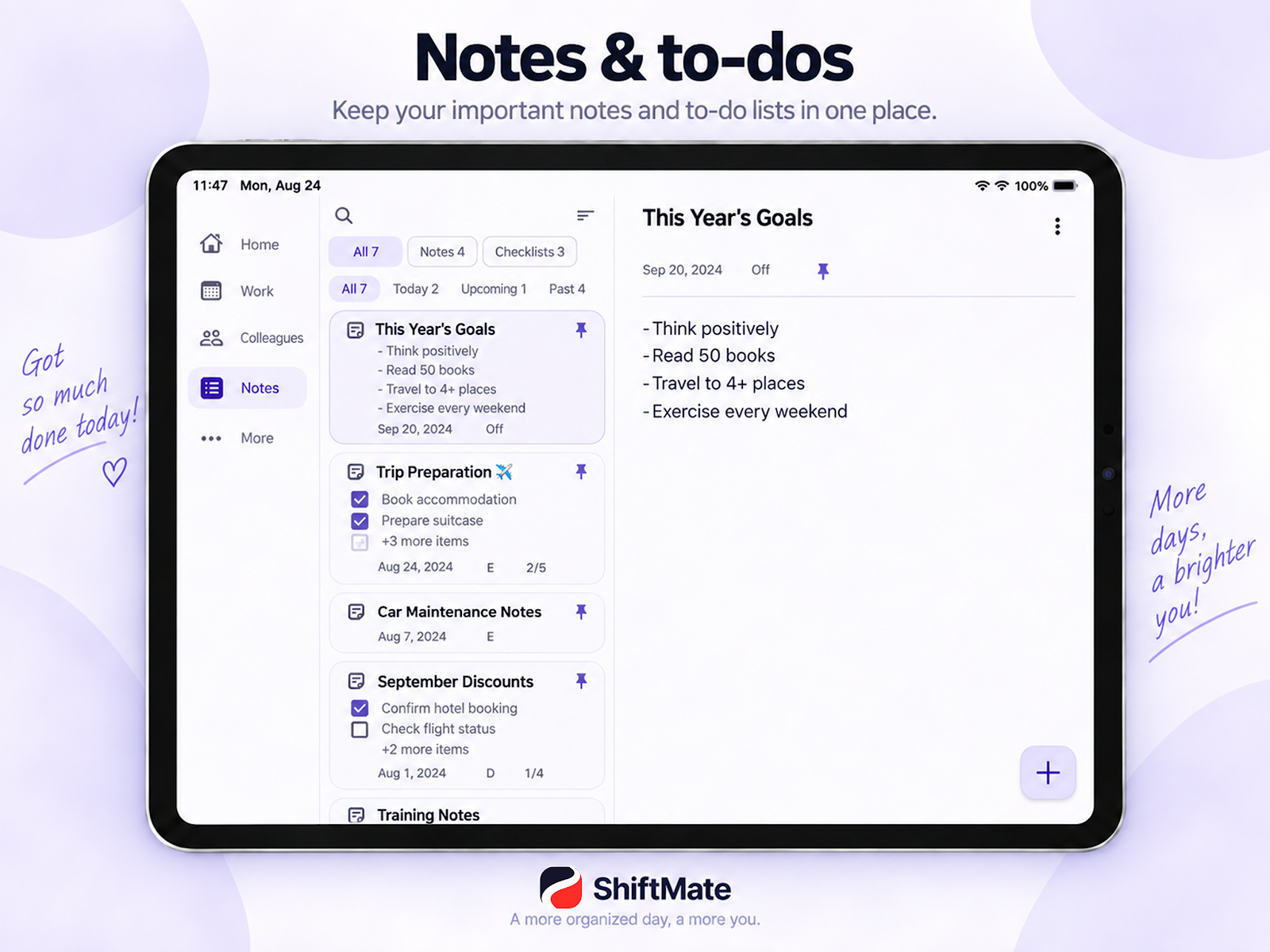
Not just your shift schedule, but also events and notes
A shift worker’s calendar includes more than just shifts.
There are many events to track alongside work, such as hospital schedules, personal appointments, training, travel, exercise, and family events.
ShiftMate lets you manage shifts, personal events, and notes together, making even better use of iPad’s spacious screen.
It’s not simply an app for viewing your shift schedule but a calendar for managing a shift worker’s entire life.
Why the iPhone + iPad combination is especially convenient
iPhone and iPad are used in different situations.
iPhone
Quickly check today’s shift before work
Check your next shift while on the go
Enter events and notes simply
iPad
View the entire monthly shift schedule
Compare personal events with your shifts
Manage events and notes on a spacious screen
It’s not about making the two devices compete, but using their different strengths.
Quick on iPhone, spacious on iPad.
And your shift schedule stays connected as one.
Use work alarm across multiple devices
shift workers don’t start work at the same time every day.
Because preparation times vary by shift—Day, Evening, or Night—work notifications are important.
With ShiftMate, when you use iPhone and iPad together, you can use the work alarm on each device.
If you keep an iPad at home and use an iPhone, you can use multiple devices together to manage your shifts.
👉 [Learn more about dual alarms on iPhone and iPad]
Recommended for
ShiftMate’s iPad support is especially useful for people like these:
Nurses who use both iPhone and iPad
Healthcare professionals working three- or two-shift schedules
People who want to view their monthly shift schedule on a large screen
People who want to manage shifts and personal events in one calendar
shift workers who use a smartphone and tablet together
Your shift-work calendar across multiple screens
Take your shift-work calendar beyond using just a smartphone.
ShiftMate offers quick checking on iPhone and the convenience of a spacious screen on iPad.
Fast on iPhone.
Spacious on iPad.
Your shift schedule and calendar, all in one.
ShiftMate – Nurse shift Calendar
[View ShiftMate on the Apple App Store]
[View ShiftMate on Google Play Store]
Comments
Post a Comment